Cozy Cat / Guides
Cat games vs desktop pets: which fits your day?
A cat game and a desktop pet can share the same cute subject while fitting completely different parts of your day. One asks you to enter its world; another sits beside the work you were already doing. Neither format is automatically more relaxing. Think about when you want to interact, how much care you enjoy, and which screen you actually use.
Start with the place you want the cat to live
A wallpaper is a background image, or sometimes an animated background. It is a good choice when you mainly want a particular look. A browser companion belongs to a browser environment. A desktop pet is an application that places a character alongside other windows. A game may fill its own window with a garden, café or adventure. These categories overlap, so the product demonstration matters more than the label.
Watch where the cursor goes in a demonstration and which controls remain accessible. A screenshot with a cat beside a spreadsheet does not by itself explain whether the character reacts, needs care, or can be hidden. Ask what happens when you open your own work window. If you only want a cute background and do not want another app running, a picture may already solve the problem.
Choose a rhythm: visits, sessions or company
Neko Atsume is associated with putting out food and items and enjoying visiting cats. Cats & Soup presents a cat-filled idle game world. Those are useful starting points if your idea of a break is opening a separate place and checking on what is happening. Review the current store description for the exact edition and platform before installing.
A desktop companion fits a different rhythm: it can remain near your everyday windows while you decide when to interact. That can feel pleasant during writing or study, but it can also be distracting. Consider whether you want a deliberate ten-minute break or an animal that stays in view. You do not have to choose one format forever; the point is to match the product to the moment.
Not all desktop mascots do the same thing
Bongo Cat emphasizes keyboard and mouse activity with a cat on the taskbar. Desktop Goose is designed around comic interruptions. Shimeji-ee belongs to the desktop mascot tradition, with characters and behavior customization. Check the original project and its requirements: an unrelated mobile app or browser extension using similar wording is not necessarily the same software.
These examples explain styles rather than a best-to-worst order. If your goal is to enjoy a character while typing, look for that interaction. If you like tinkering with mascot assets, inspect the customization workflow. If interruptions make you smile, a deliberately mischievous pet may be a good match. If you need quiet, test how much control you have over movement and sound before judging a product by a short clip.
Where Cozy Cat fits
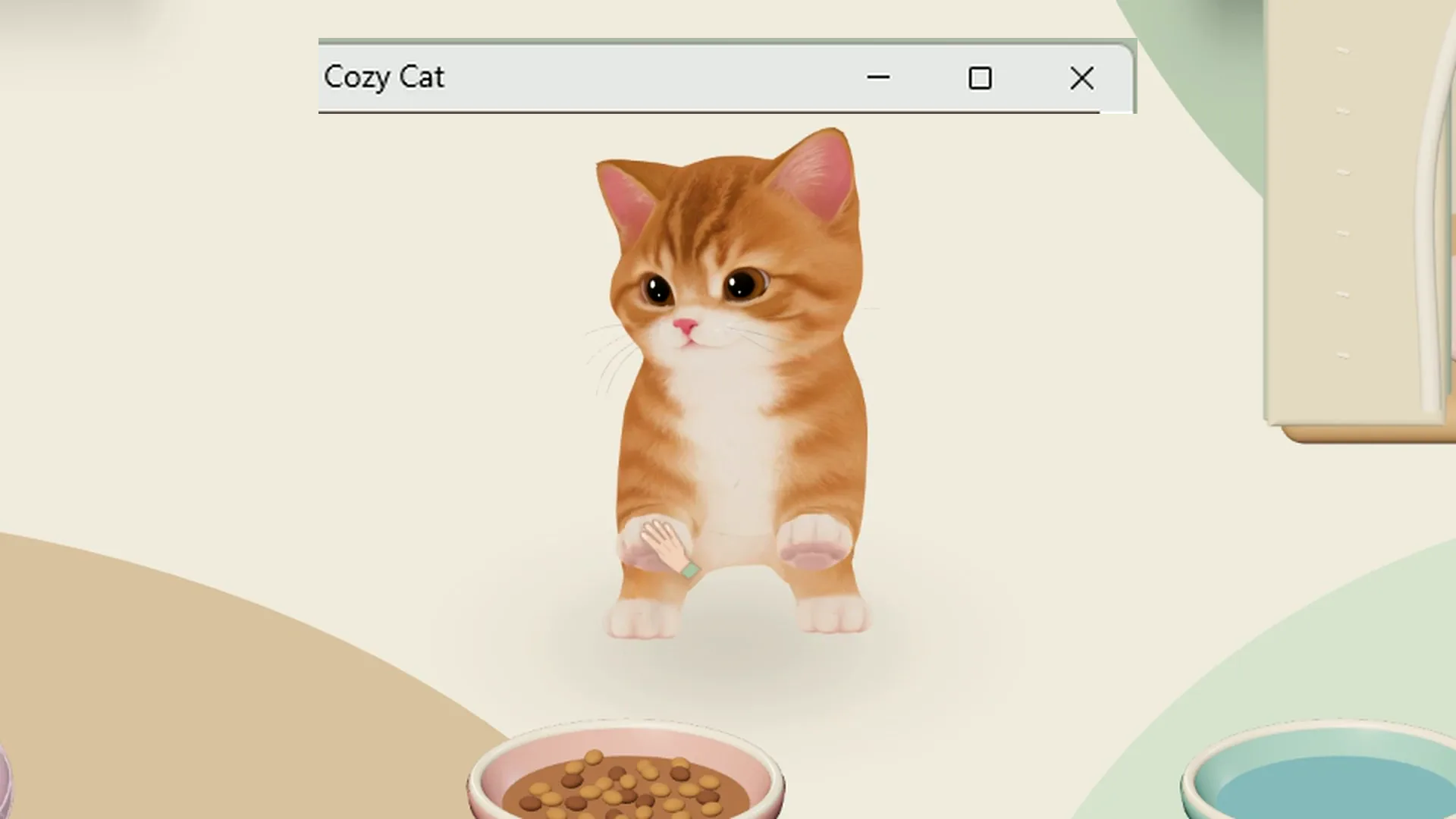
Cozy Cat is a 3D desktop companion with care, play, growth and photos. You choose among seven cats, and a home supports up to four residents. The base licence includes the stated care and play features and 33 furniture appearances, while levels, currency and individual purchase conditions remain. Optional G items are separate. We do not describe it as an unlimited free game or claim that all future content comes with today’s purchase.
The site offers a three-day trial, followed by a separate KRW 4,900 base purchase with no automatic charge. Current Windows and Mac releases differ, and Intel Macs are not supported. The filmed cats use prepared saves at different stages of growth and familiarity; a new cat will not reproduce every filmed moment on the first day. Read the pricing section and FAQ together with the footage.
Make the decision with a practical checklist
First, check the operating system and download source. Second, decide whether you want collecting, direct play, customization or ongoing care. Third, try the same everyday task with the companion visible, hidden and closed. Finally, read the trial boundary, purchase conditions and save behavior. “Free download” can mean a trial, a free base app with purchases, or a fully free project; it is not a complete description of cost.
For a shared or work-managed computer, follow the device owner’s installation rules and check your screen-sharing preview. For a personal laptop, pay attention to battery, fan noise and concentration as well as cuteness. Our performance guide gives you a repeatable comparison, and the setup guide explains the first session. Pick the format that makes your actual day nicer, even when that choice is a different game or simply a wallpaper.
Download for Windows · Download for Mac · Price and trial · FAQ