01 / UP ON YOUR WINDOWIt hops up onto
It hops up onto
the window you’re in.
It sits on the edge of your document with its tail hanging down, and rides along when you move the window a little.
A CAT THAT LIVES ON YOUR DESKTOP
For long reports, late coursework and a video after dinner.
Call its name and it crosses your screen to look you in the eye.
Give it a scratch, then back to your day.
Windows 10/11, 64-bit · about a 200 MB download
A DAY ON YOUR DESKTOP
No window to keep open.
It gets on with its day right on top of yours.
It sits on the edge of your document with its tail hanging down, and rides along when you move the window a little.
Open YouTube or Netflix and it comes to sit below the window, glancing back at you now and then with a slow blink.
It only knows a video is on from the window’s name; it never looks inside the screen.A gentle chin scratch and its eyes close as it purrs. Every cat has its own favourite spot.
Every clip is recorded from the real app, sound off.
Ask to see its face and it looks straight at you. In cat, a slow blink means relaxed and fond.
Baby, young cat, teen, grown cat. A little different every day, right beside you.
PLAY & HOME
All 33 furnishings come with the app.
Seasonal houses and cushions are yours for the GP you earn caring for it.
Wind it up, the music box plays, and your cat climbs on for a ride.
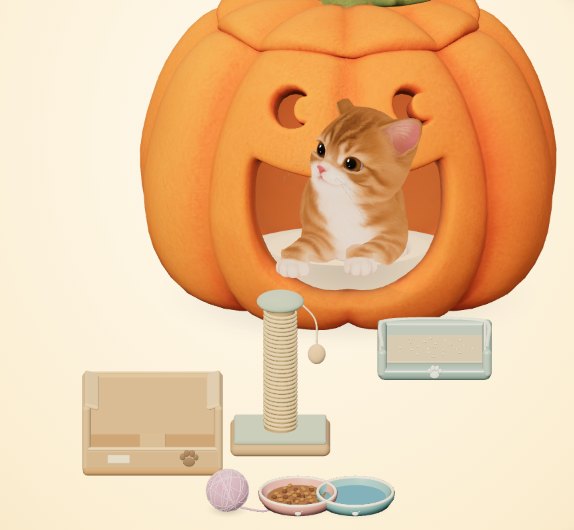
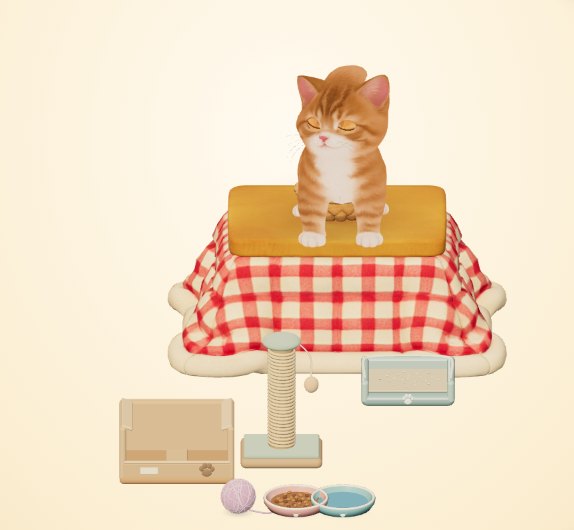
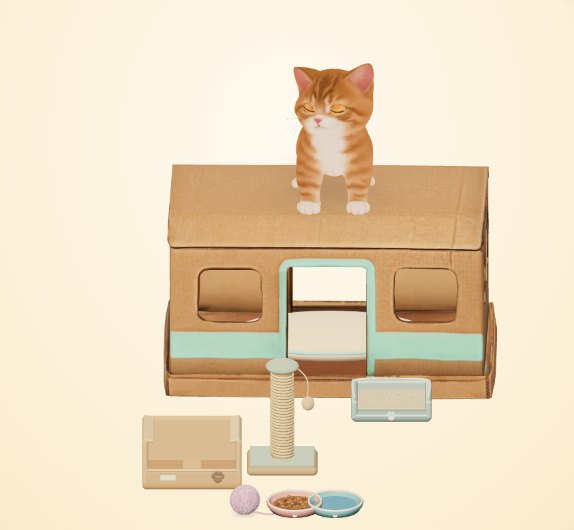
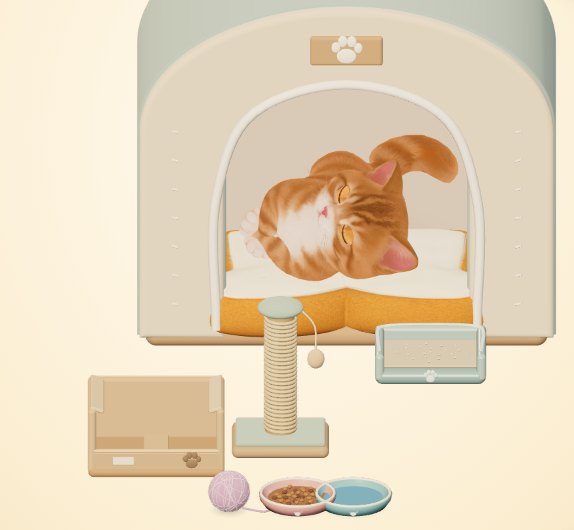
No subscription, no ads, nothing random for sale. New items arrive with updates on their own.
MAKE ROOM FOR SOMEONE SMALL
₩4,900 one-time, only when you adopt · shown in your currency at checkout
Adoption checkout isn’t open yet. Foster your cat in the meantime.
Windows 10/11, 64-bit · about 200 MB · taxes are calculated at checkout
Changed your mind? Refunds within 14 days.
BEFORE YOU MEET
Your cat stays saved on your PC exactly as it is and waits for you to adopt it. Adopt for ₩4,900 and you carry on from the same spot. Nothing is deleted and you never start over.
No. Every feature and all 33 furnishings are included. The one extra is the Sugar-Star music-box carousel: save up for it with the GP you earn by caring (about a month if you care for it diligently every day), or bring it home right away for ₩3,900. There’s no subscription, no ads and nothing random for sale. Checkout is handled by Lemon Squeezy; pay from the app and adoption finishes on its own, no key to paste. The licence key in your receipt works on up to 3 PCs.
You don’t have to do anything. While Cozy Cat is running it checks for new versions and downloads them in the background, then installs when it won’t interrupt you, like when you step away or close the app. Your cat is backed up first. When something’s new, your cat brings a 🎁 note, and every note is also on the What’s new page.
Windows 10 or 11, 64-bit. The installer is about 200 MB, and on first launch the app downloads an on-device AI model (about 580 MB) for optional features. The installer isn’t code-signed yet, so Windows may ask you to confirm the first time: click “More info”, then “Run anyway”. A Mac version is in the works but not available yet.
Clicks pass straight through everything except the cat, and it steps aside when a full-screen game or video is running. You choose whether it stays on the desktop or above your windows, which monitor it lives on, and how big and loud it is. In focus mode it just naps.
No. Basic care runs on its own, so busy weeks are fine. Pet it and play when you can. You can slow its growth down or pause it. Everything is saved on your PC.
No. Care and play work without AI. The optional AI runs on your own PC, not in the cloud, and helps the cat react. The microphone, screen and browser features are all optional. You need an internet connection to activate your licence, for the occasional licence check, and for updates.
Email bbbofficial95@gmail.com. You can ask for a refund within 14 days of adopting, and your statutory rights are unaffected. Refund policy in English.